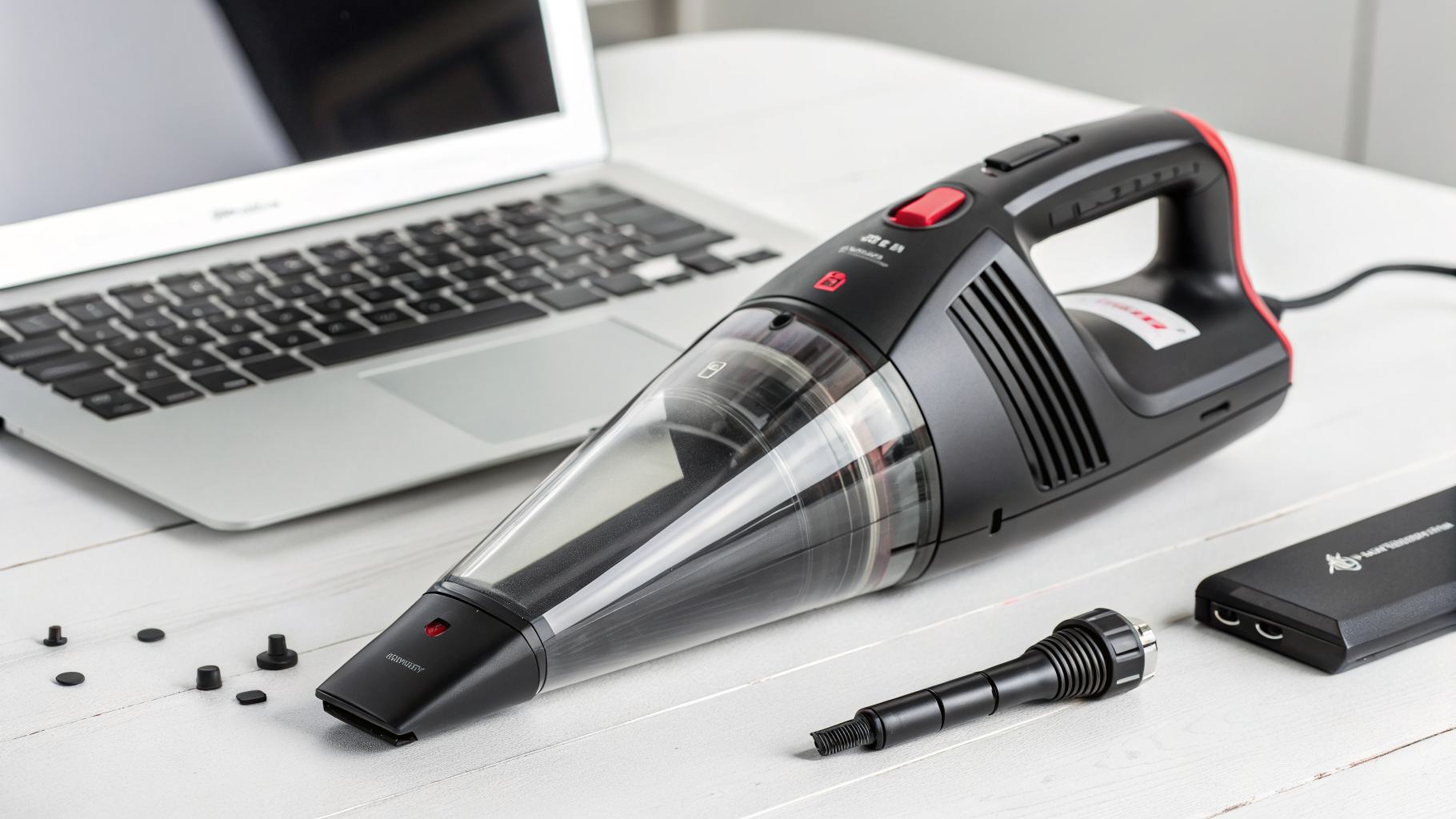
7 best handheld vacuum for PC cleaning
Dust buildup inside a PC isn’t just ugly—it can raise temperatures, make fans louder, and shorten component lifespan. The safest way to remove that dust is with controlled suction, the right attachments, and a few anti-static habits.
In this guide, I’ll help you choose the best handheld vacuum for pc cleaning based on real buyer intent: suction strength, filtration, tool selection, and how “PC-friendly” each model is for vents, radiators, fans, and keyboard crumbs.
Table of Contents
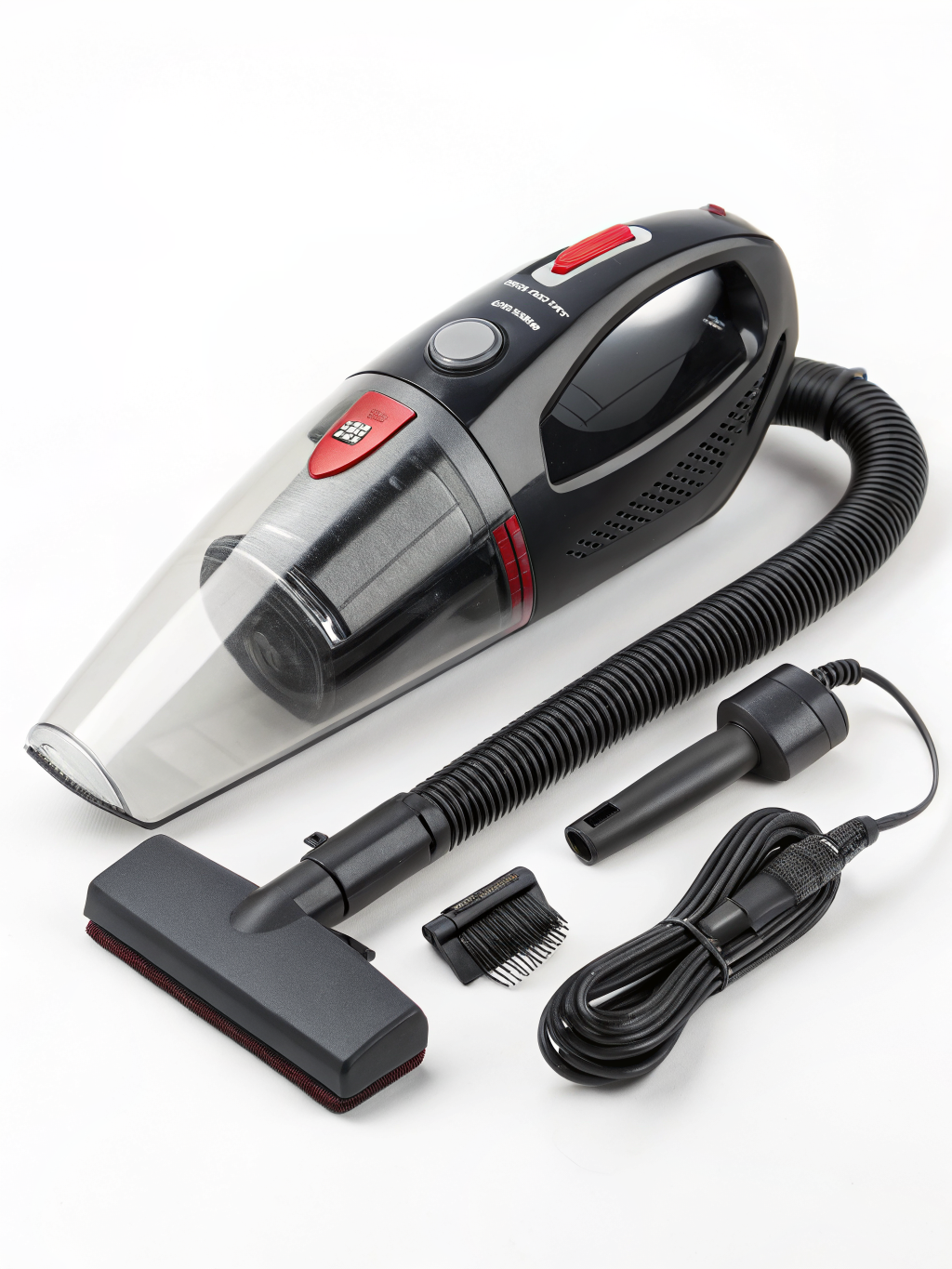
Quick safety note (read before you vacuum your PC)
A handheld vacuum can be a great tool, but PC cleaning has two risks: static discharge (ESD) and fan overspin.
Do this every time:
- Shut down, switch off the PSU, and unplug the PC.
- Press the power button once (unplugged) to discharge residual power.
- Move to a hard surface (avoid carpet).
- Hold fans in place while cleaning to prevent overspin.
- Use brush/crevice attachments rather than a bare nozzle touching components.
If you’re very ESD-conscious, use a wrist strap or keep one hand on the metal case while you work.
Comparison table: best handheld vacuums for PC cleaning (ranked by Amazon rating + review volume)
Rankings below reflect typical Amazon star ratings and review counts at the time of writing (these shift often, so treat this as a practical snapshot, not a permanent leaderboard).
| Handheld Vacuum | Power Type | Filtration | Why it’s PC-friendly | Best for |
|---|---|---|---|---|
| BLACK+DECKER Dustbuster (corded or cordless variants) | Cordless | Washable filter | Strong everyday suction + tools | General PC + desk area |
| Shark UltraCyclone Pet Pro+ | Cordless | Dual cyclonic + filter | High suction for vents/filters | Dusty cases, pet hair near PC |
| Bissell AeroSlim | Cordless | Filter | Lightweight + quick clean-ups | Keyboard/desk maintenance |
| Fanttik Slim V8 (mini) | Cordless | HEPA-style | Small nozzle + electronics-style tools | Tight PC spaces |
| Baseus A2 (mini car vac) | Cordless | HEPA-style | Compact, good crevice reach | PC corners + drawers |
| Brigii Mini Vacuum | Cordless | HEPA-style | Often bundled with brushes | Keyboards + laptop vents |
| ThisWorx / compact car vac (corded 12V style) | Corded (12V) | Filter | Continuous run time | Garage/workbench PC builds |
Our 4 Top Amazon Picks (fast choices)
If you don’t want to overthink it, these four cover most PC-cleaning needs:
- Best overall balance: BLACK+DECKER Dustbuster (attachments + solid suction)
- Strongest “grabby” suction: Shark UltraCyclone Pet Pro+
- Best ultra-light desktop vacuum: Bissell AeroSlim
- Best mini vacuum for tight spaces: Fanttik Slim V8 (electronics-friendly size)
Also, if you’re shopping broadly, this roundup pairs well with the category benchmark: best handheld vacuum options that handle both PC spaces and the surrounding desk/floor.
What to look for in the best handheld vacuum for PC cleaning
1) Controlled suction (not just “more power”)
For PC internals, you want controlled airflow and precision tools. Too much suction isn’t automatically better if the nozzle is wide and clumsy.
Good signs:
- Multiple attachments (crevice + brush)
- Narrow nozzle options
- Stable airflow (doesn’t surge)
2) Filtration that won’t blow fine dust back out
PC dust is often ultra-fine. Look for:
- HEPA-style or fine filters
- Sealed airflow paths (less dust “mist”)
- Easy-to-clean filters (so suction stays consistent)
3) Form factor that fits around cables and GPU clearance
Big handhelds clean floors well—but can be awkward around:
- AIO tubes
- GPU power cables
- RAM clearance
- Front panel wiring
Mini vacuums win on precision; full-size handhelds win on power.
1) BLACK+DECKER Dustbuster (best overall for most PC owners)
BLACK+DECKER’s Dustbuster line is consistently one of Amazon’s most-reviewed handheld vacuum families—popular because it balances usable suction, tool options, and simple maintenance.
Why it works for PC cleaning
- Reliable suction for intake filters, PSU shrouds, and case bottom dust
- Typically includes a crevice tool for tight gaps
- Easy emptying—good if you clean often (monthly)
Pros
- Strong all-purpose handheld performance
- Good accessory ecosystem depending on model
- Washable filters are budget-friendly long term
Cons
- Some variants are bulky for very tight PC internals
- Battery runtime varies widely by model
Best for: Most tower PCs, front-panel filters, desk area around the case.

- #1 brand in hand vacs**
- Cordless convenience – portable, rechargeable, lightweight for use around your home and in your vehicle
- Multi-surface use removes hair, dirt, debris, and pet hair as stair vacuum for carpet, portable car vacuum, couch vacuum…
2) Shark UltraCyclone Pet Pro+ (best high-suction pick for dusty homes)
If your PC lives in a high-dust room—or you have pets—Shark’s UltraCyclone models often deliver noticeably punchy suction compared to many handhelds.
Why it works for PC cleaning
- Dual cyclonic design helps maintain suction as the bin fills
- Good for pulling dust out of mesh filters and radiator fins (with a brush)
Pros
- Strong suction for a cordless handheld
- Great for pet hair near PC intake areas
- Well-suited for “PC + room perimeter” cleaning
Cons
- Can be loud
- Strong suction means you should avoid pressing the nozzle onto delicate components
Best for: Dusty intake filters, mesh panels, and the area around the PC (where dust starts).

- 4-in-1 versatility: Power through tasks with or without accessories – includes 3 premium cleaning tools.
- Compact, powerful, and built for quick cleanups: Designed to tackle car messes, quick cleanups at home, and unexpected p…
- Ultra-powerful suction: With two ultra-powerful cyclonic air streams for incredible suction and long-lasting filter and …
3) Bissell AeroSlim (best for quick keyboard + desk cleanups)
Bissell AeroSlim is a small, convenient handheld that’s easy to grab for weekly maintenance—especially if you hate dragging out a larger vacuum.
Why it works for PC cleaning
- Great “grab-and-go” tool for keyboard crumbs and desk dust
- Small crevice reach for ports, desk mats, and tight shelving
Pros
- Very lightweight and simple
- Charges easily; fits in drawers
- Good for routine upkeep between deeper cleans
Cons
- Not the strongest for heavy dust mats
- Small bin fills quickly
Best for: Keyboards, mouse pads, laptop vents (gentle use), and light dust.
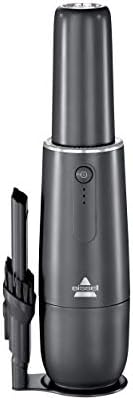
- Every BISSELL purchase helps save pets. BISSELL proudly supports BISSELL Pet Foundation and its mission to help save hom…
- Cordless Power. Lithium-ion battery provides up to 12 minutes of cordless cleaning power for quick clean ups almost anyw…
- On-the-Go Cleaning. Compact enough to store, clean and charge in your car or office.
4) Fanttik Slim V8 (best mini vacuum for tight PC spaces)
Fanttik-style mini vacuums are popular in the electronics space because they combine compact size with precision attachments. They’re a strong candidate if your main goal is the inside of the case, not the room.
Why it works for PC cleaning
- Narrow profile fits around cables and GPU clearance
- Often includes small brushes/crevice tools aimed at fine dust
Pros
- Compact and maneuverable
- Better “detail cleaning” feel than full-size handhelds
- Typically includes a HEPA-style filter
Cons
- Smaller motor = less brute-force suction than larger handhelds
- Best used slowly and close to the dust source
Best for: Around RAM slots, fan frames, GPU backplates, and case corners.

- Please note: This compact vacuum is less powerful than larger models but ideal for small tasks like car interior detaili…
- 4-in-1 Multifunctional Mini Vacuum: Fanttik V8 APEX car vacuum cleaner cordless comes with multiple accessories to meet …
- 10 Practical Accessories: Crevice Nozzle and Flexible Hose can easily clean hard-to-reach corners, Push-in Brush for stu…
5) Baseus A2 (best for “PC + car + drawer” versatility)
Originally marketed as a mini car vacuum, the Baseus A2 form factor makes it useful for PC owners who want one tool for multiple spaces without storing a big device.
Why it works for PC cleaning
- Narrow nozzle is great for corners and vents
- Compact enough to keep near a workstation
Pros
- Good build for the size
- Often includes useful crevice/brush tools
- Easy storage
Cons
- Small dustbin
- Not ideal for thick dust on large filters (requires more passes)
Best for: Tight edges, behind the monitor, cable trays, and PC case seams.
6) Brigii Mini Vacuum (best budget-friendly mini option)
Brigii mini vacuums often show up in Amazon results with electronics-oriented attachments, making them a practical lower-cost entry if you want the mini-vac approach for PC detailing.
Why it works for PC cleaning
- Brush attachments help lift dust without scraping
- Works well for “detail zones” like keyboard keys and case grills
Pros
- Usually affordable
- Good attachment variety for the price
- Simple to store
Cons
- Suction may be modest compared to larger handhelds
- Durability varies by specific model version
Best for: Light-to-moderate dust, keyboards, and small PC nooks.

- Lightweight and portable:The tiny vacuum cordless weighing only 356g; it may be the smallest of all cordless vacuum hand…
- Suction and blowing dual function:The cordless handheld vacuum has a smart design, which not only has a enough cyclone s…
- Reliable lithium battery technology & long battery life: the cordless handheld vacuum has built-in 2000 mAh*2 lithium ba…
7) Compact corded car vacuum (best for long cleaning sessions)
Corded 12V car vacuums (often sold under brands like ThisWorx and similar) aren’t designed specifically for PCs, but they can be handy if you clean in a garage/workbench area and want continuous runtime.
Why it works for PC cleaning
- No battery anxiety during long build cleanups
- Good for sucking up packaging dust, floor debris, and case foam bits
Pros
- Continuous power
- Good for workbench and surrounding mess
Cons
- Not as maneuverable inside a PC
- Needs a 12V outlet/adapter; accessories may be basic
Best for: PC building stations, garages, and cleaning around (not deep inside) the case.
Best option by use case (quick matching)
- Best all-around: BLACK+DECKER Dustbuster
- Best for heavy dust + pet hair nearby: Shark UltraCyclone Pet Pro+
- Best for weekly desk/keyboard upkeep: Bissell AeroSlim
- Best for tight internal spaces: Fanttik Slim V8 or Baseus A2
- Best for long sessions at a workbench: Corded compact car vac
If your main goal is internal PC detailing, you’ll generally get better results with a compact unit that still has a brush tool—often the deciding factor when choosing the best handheld vacuum for pc tasks.
Step-by-step: how to vacuum-clean a PC safely (without damage)
Step 1: Prep the case
- Power off, unplug, discharge power.
- Remove side panel(s).
- Move the PC to a hard surface with good lighting.
Step 2: Start with filters and loose dust
- Remove dust filters and vacuum them outside the case.
- Use a brush attachment to lift dust, then suction it away.
Step 3: Clean fans and radiators carefully
- Hold fan blades in place while cleaning.
- Use short, controlled passes. Avoid slamming the nozzle into fins.
Step 4: Finish with corners and cable pockets
- Use the crevice tool for the PSU shroud area, case floor edges, and behind front panel cables.
- Empty the bin before it gets overly full to maintain suction.
Common mistakes (and how to avoid them)
- Mistake: Vacuum nozzle touches components directly
Fix: Use a brush/crevice tool and keep a small gap. - Mistake: Spinning fans with suction
Fix: Hold the fan blades still. - Mistake: Cleaning on carpet (ESD risk)
Fix: Work on tile/wood, or use anti-static precautions. - Mistake: Ignoring filters (vacuum loses suction)
Fix: Wash/replace filters on schedule.
Maintenance tips: keep your handheld vacuum effective for PC dust
- Clean filters regularly: fine PC dust clogs filters fast.
- Empty the bin early: a half-full bin often performs much better than a packed one.
- Check attachments: clogged crevice tools reduce “detail suction.”
- Store it near your workspace: convenience is what makes weekly cleaning realistic.
A vacuum that’s always within reach is more likely to become your go-to best handheld vacuum for pc cleaning—because consistency beats one “mega clean” every year.
FAQs: choosing the best handheld vacuum for PC cleaning
Is it safe to vacuum inside a computer?
Yes, if you do it carefully: power disconnected, avoid carpet, use attachments, don’t overspin fans, and don’t press the nozzle directly onto components.
Vacuum or compressed air—what’s better?
For removing dust from the case (filters, shroud areas, bottom panels), a vacuum is excellent. For deep radiator fins, compressed air (or an electric air duster) can be better—ideally used alongside a vacuum to capture the blown dust.
Do I need a HEPA filter for PC cleaning?
HEPA-style filtration helps with fine particles and prevents dusty exhaust. It’s not mandatory, but it’s a strong plus—especially if you clean indoors and want less dust recirculation.
What attachments matter most?
For PC cleaning, prioritize:
- Crevice tool (tight gaps)
- Soft brush (dust loosening without scraping)
- A narrow nozzle option (better control)
How often should I clean my PC?
Typical cadence:
- Every 2–4 weeks: filters + desk area
- Every 2–3 months: interior quick pass
- Every 6–12 months: deeper cleaning (radiators, cable pockets, fan hubs)
If you tell me your PC case model (or share a photo of the inside), I can recommend which option on this list is the best handheld vacuum for pc cleaning specifically for your layout (tight clearance vs open airflow, radiator placement, and filter style).